Smart Initialization
Optional
Needed if Smart Initialization is enabled for your API key.
Overview
Oriient SDK has a built-in Smart Initialization feature. When enabled by the Oriient Customer Support team for your API key, it allows the SDK to use GPS and IPS information to start and stop calibration and positioning sessions automatically — removing the need for your app to decide the right moment to do so itself.
When the user is near one of the activated buildings, calibration and positioning sessions start automatically; when the user leaves, they stop automatically.
Automatic Calibration
Enable automatic calibration with IPSPositioning.setAutomaticCalibrationEnabled(true). The SDK will then calibrate the device ahead of time when it gets near an activated building, so that when positioning or navigation is required, the SDK can start right away — even with a limited internet connection. See Enabling automatic calibration for details.
Automatic Positioning
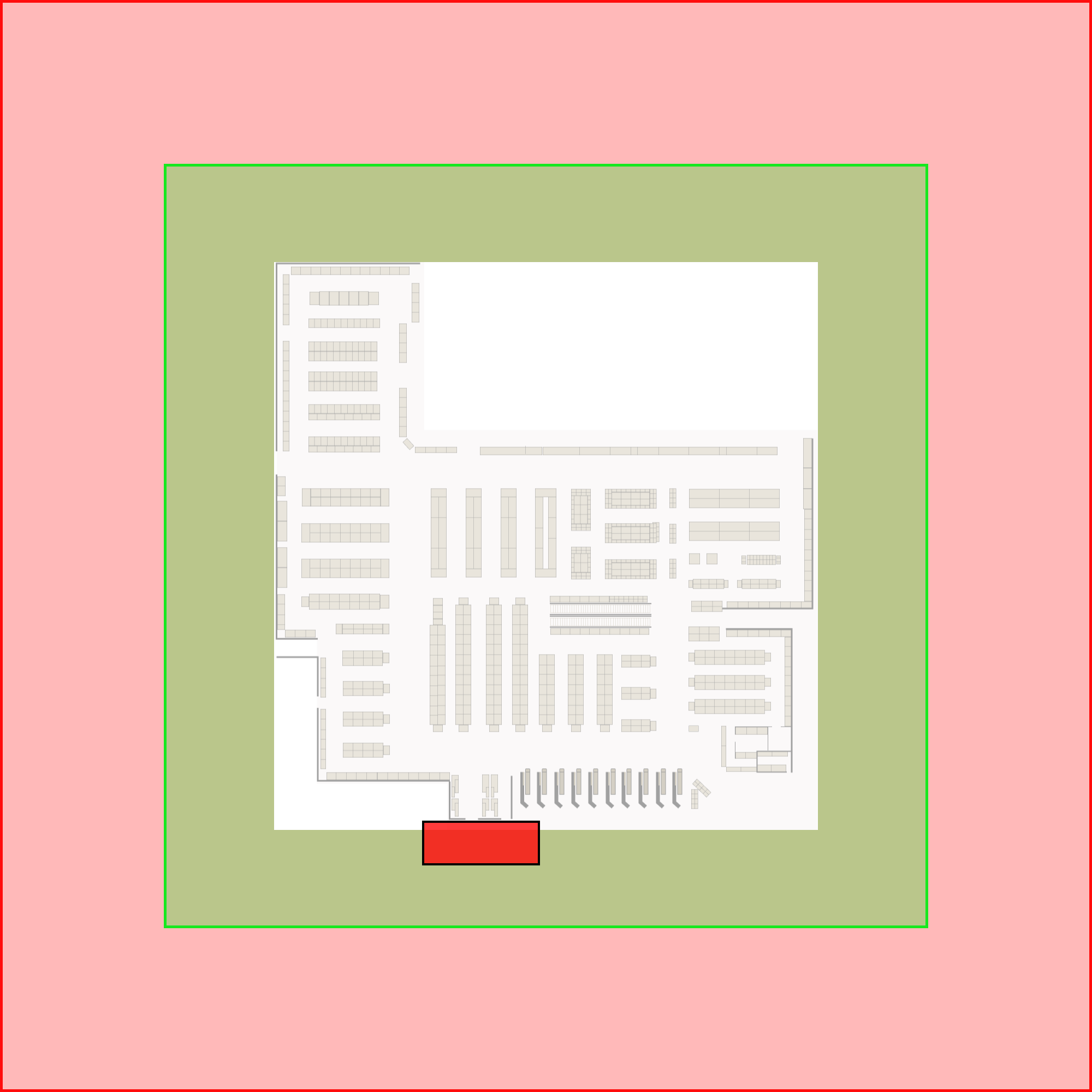
Once Smart Initialization is enabled for your API key, the SDK also decides when to automatically start and stop positioning sessions, based on the probability that the device is entering or has exited a building. Positioning starts once the SDK determines a high probability of building entry, and stops when the device leaves the building's GPS geofence, or enters an exit region. These areas are calculated automatically by the Oriient backend for best performance per building.
Integration Checklist
Smart Initialization builds on top of the regular SDK integration — with it enabled, your app no longer needs to call startPositioning()/startCalibration() itself, but it still needs to:
- Perform Login as usual;
- Call
IPSPositioning.setAutomaticCalibrationEnabled(true)if automatic calibration is desired; - Register an IPSPositioningObserver via IPSPositioning.addPositioningObserver() to receive the resulting calibration and positioning session updates.
Info
Smart Initialization is configured per API key by the Oriient Customer Support team — contact Oriient Support to enable it for your integration.